
Graffiti Analysis: Outdoor / Performance Ideas
The following three videos will catch you up on upcoming Graffiti Analysis related releases.
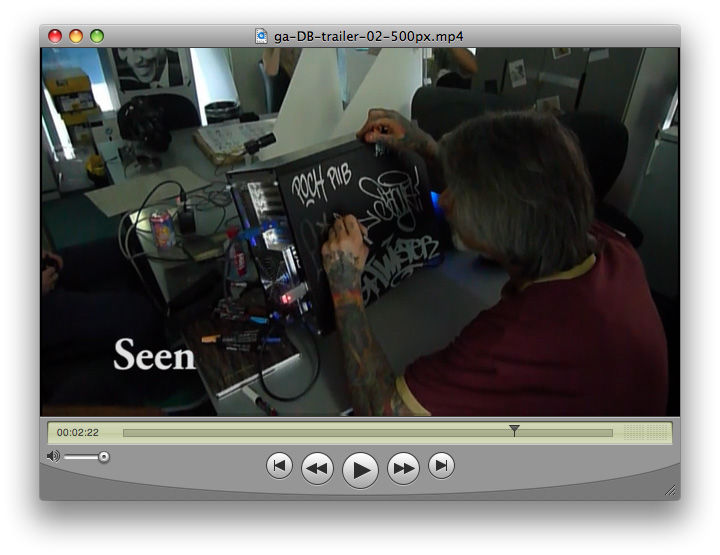 (click here to launch video) The new version of Graffiti Analysis will be launching sometime within the next 4 weeks. This is a work in progress (non-public) overview of what that release will look like. To view the non-public work in progress website go to graffitianalysis.com | 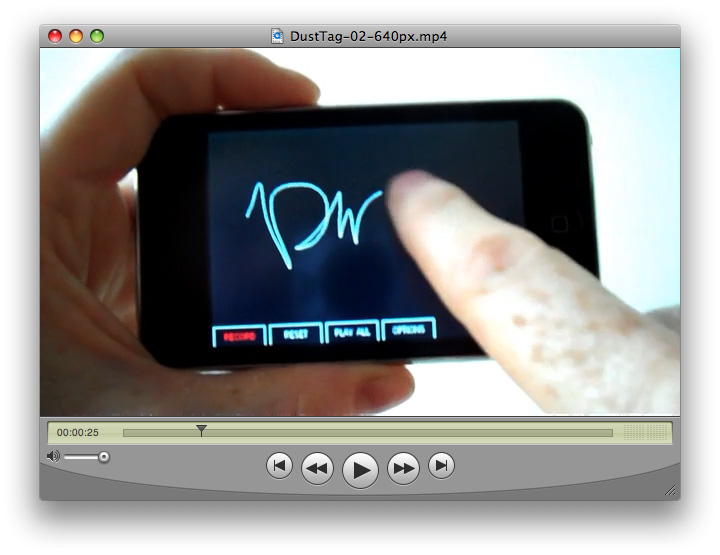 (click here to launch video) Dust Tag is the iPhone version of Graffiti Analysis that will be launching along with Graffiti Anlaysis in roughly 4 weeks. |  (click here to launch video) The new version of Graffiti Analysis will be using a new file standard developed specifically for archiving graffiti motion data called Graffiti Markup Language (GML). To view the non-public work in progress website for archiving GML tags go to 000000book.com |
The following are possible interactive / high impact public perforamnce possibilities for Graffiti Analysis:
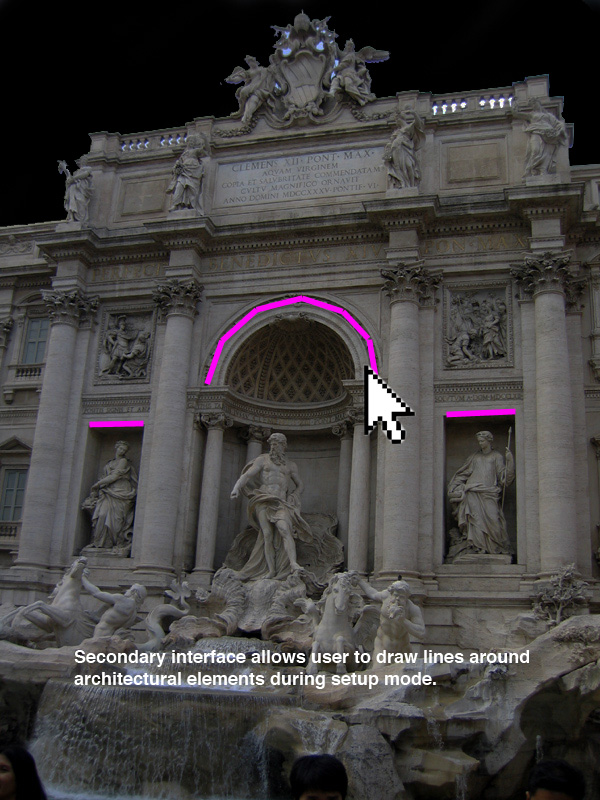
#001 - Interactive Architecture
Particles fall with gravity and interact with architectural elements. For examples of particles w/ gravity see the top left video.
| 
| 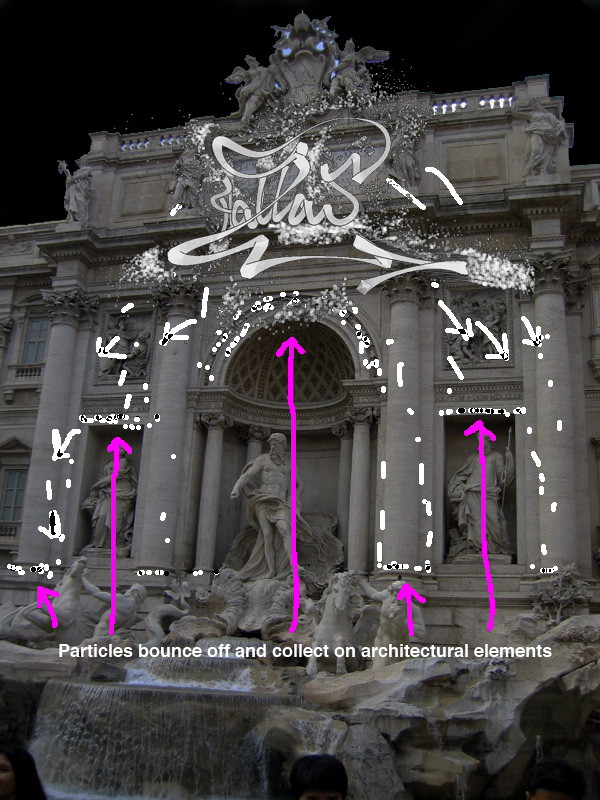 |
- 3D aspect of tag could cause issues with mapping to flat 2D surface.
- Tall an narrow aspect of projection area may require projector to be mounted in portrait mode requireing software to be able to rotate 90 degrees.
#002 - Interactive People
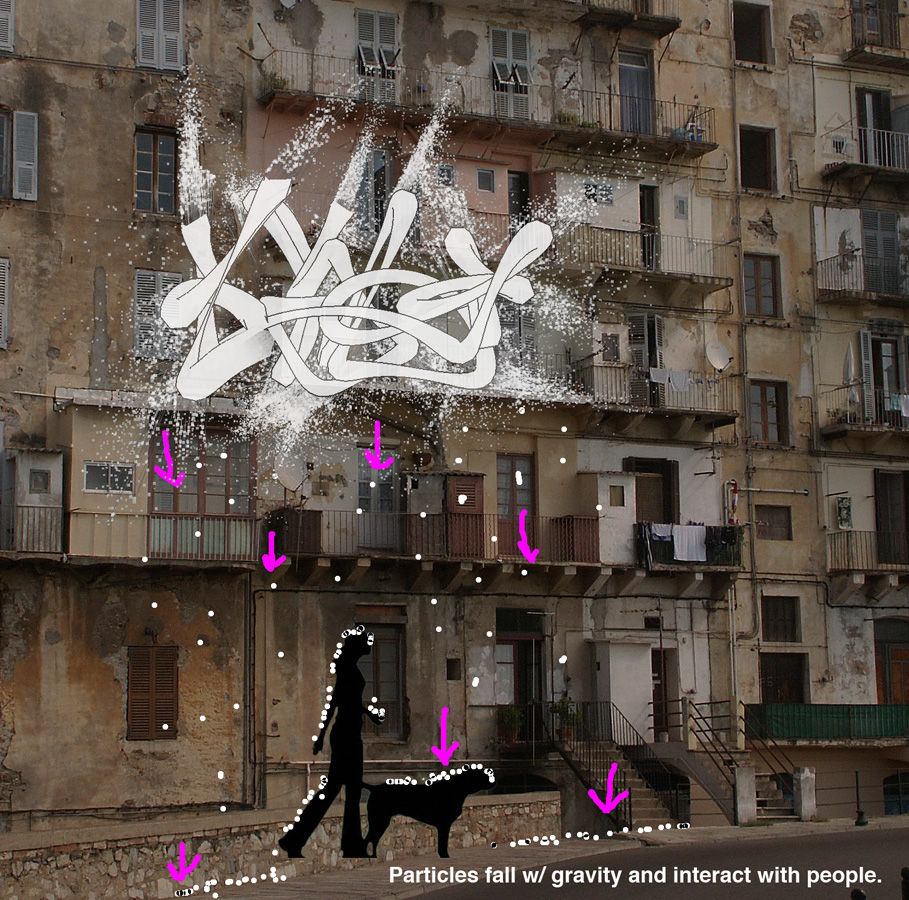
Particles fall from tag w/ gravity and interact with people on the street. Effect similar to Text Rain
DEV NOTES:
- (same as #001)
#003 - Interactive Audio
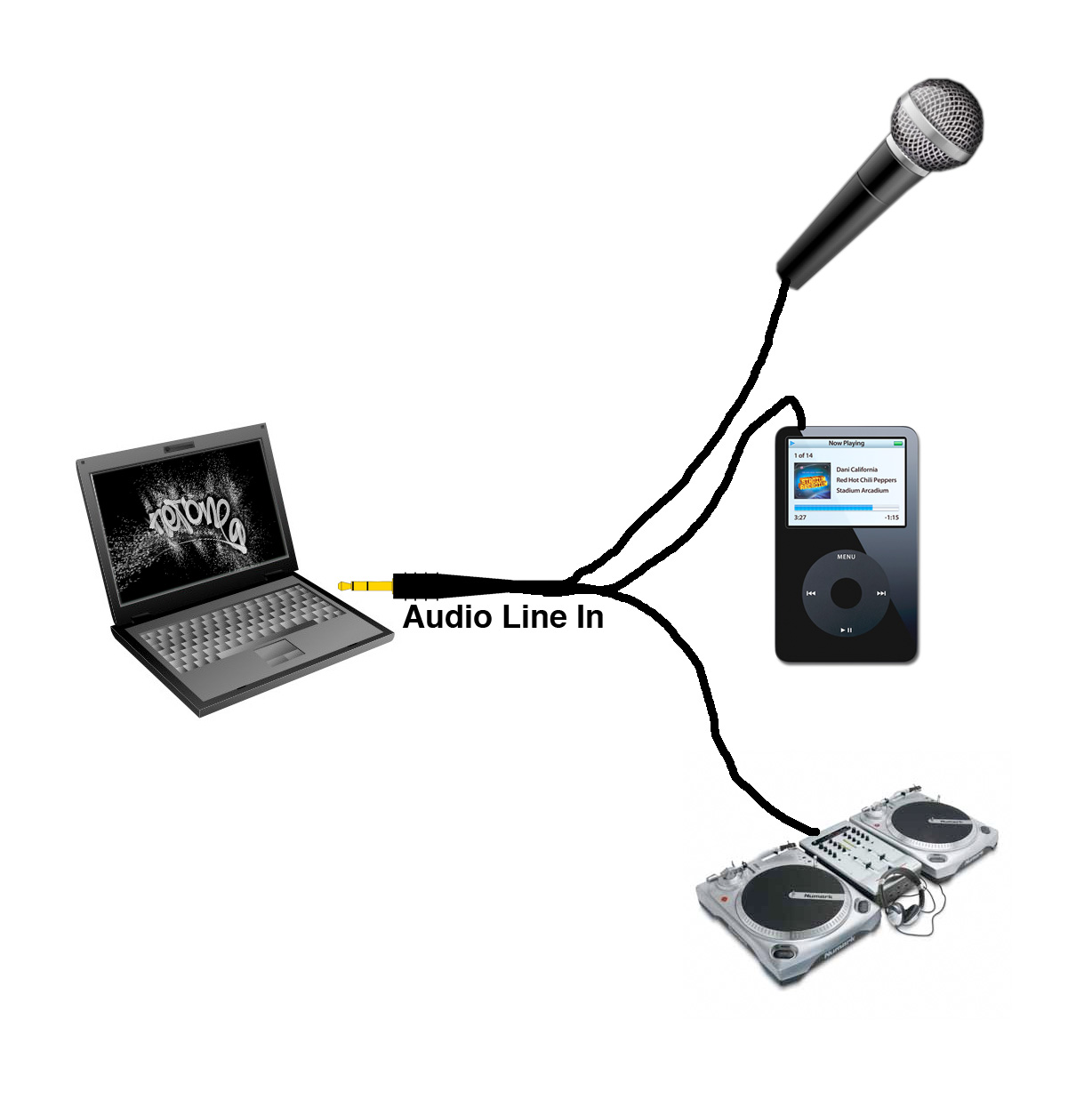
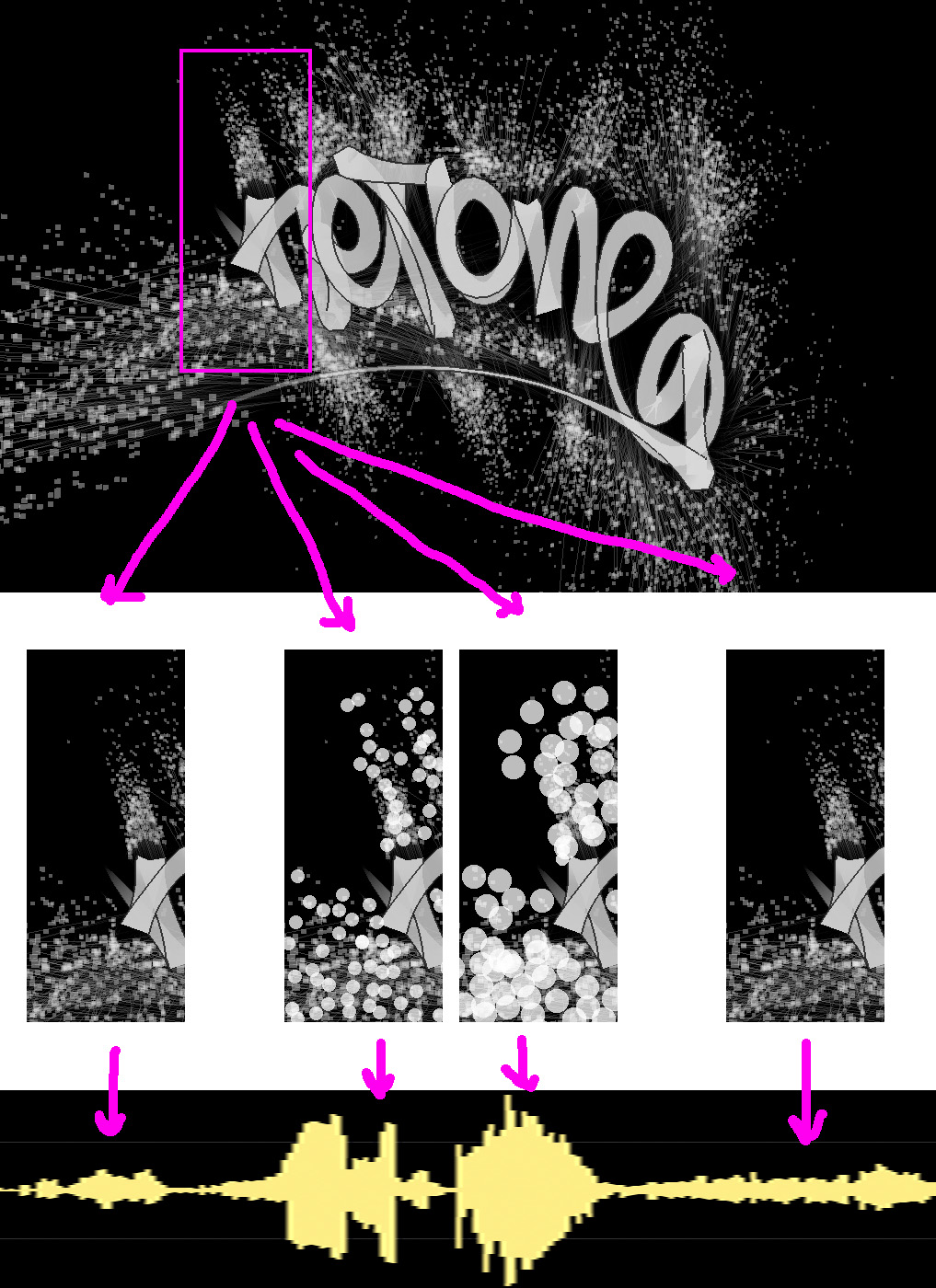
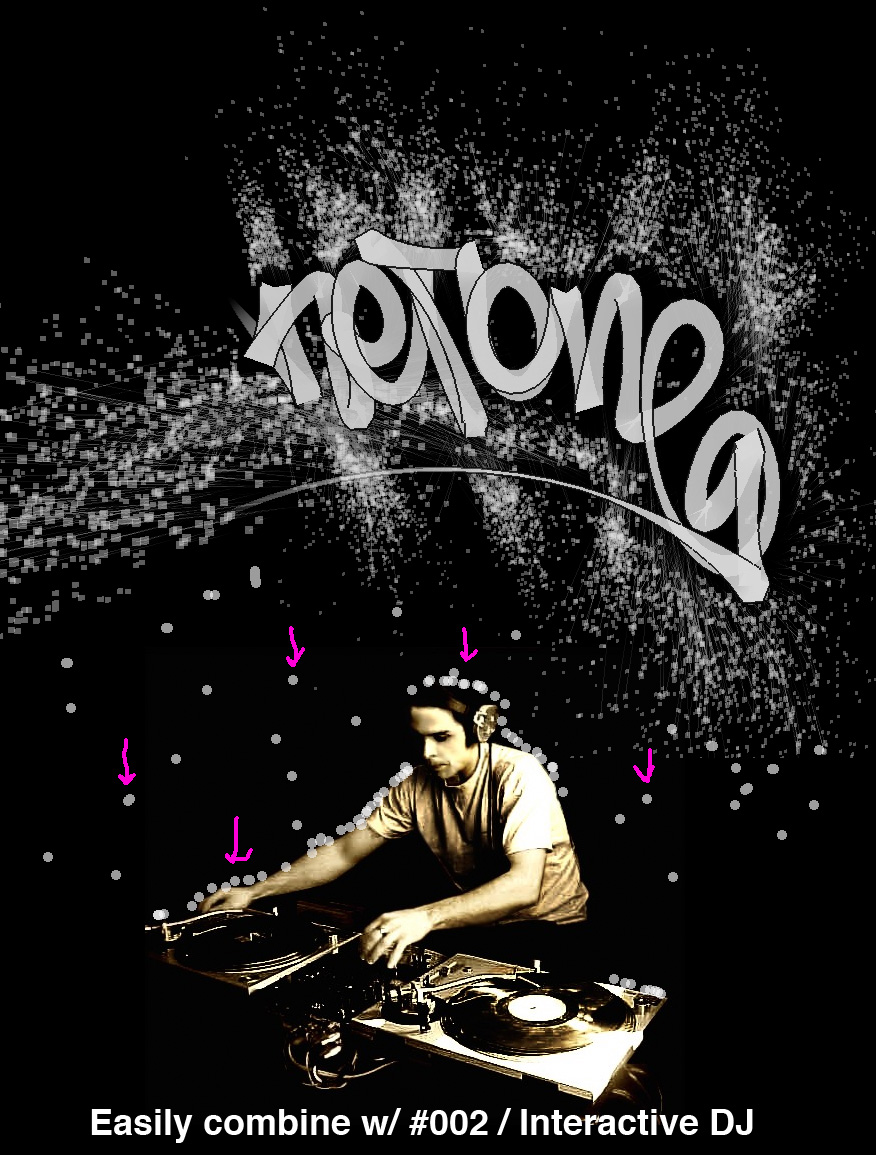
Particles interact with audio in real time. Could be used in public space to interact with ambient audio (car horns) or audio from people (voices, hand claps, etc) or amplified audio (ie music). The tag would animate as normal, but the particles would grow and shrink in real time with the audio, as well as trigger events such as falling particles w/ heavy bass. There are also obvious uses indoors for use with DJs.

#004 - iPhone Graffiti Analysis
Current status of Graffiti Analysis iPhone development can be viewed in the video above.
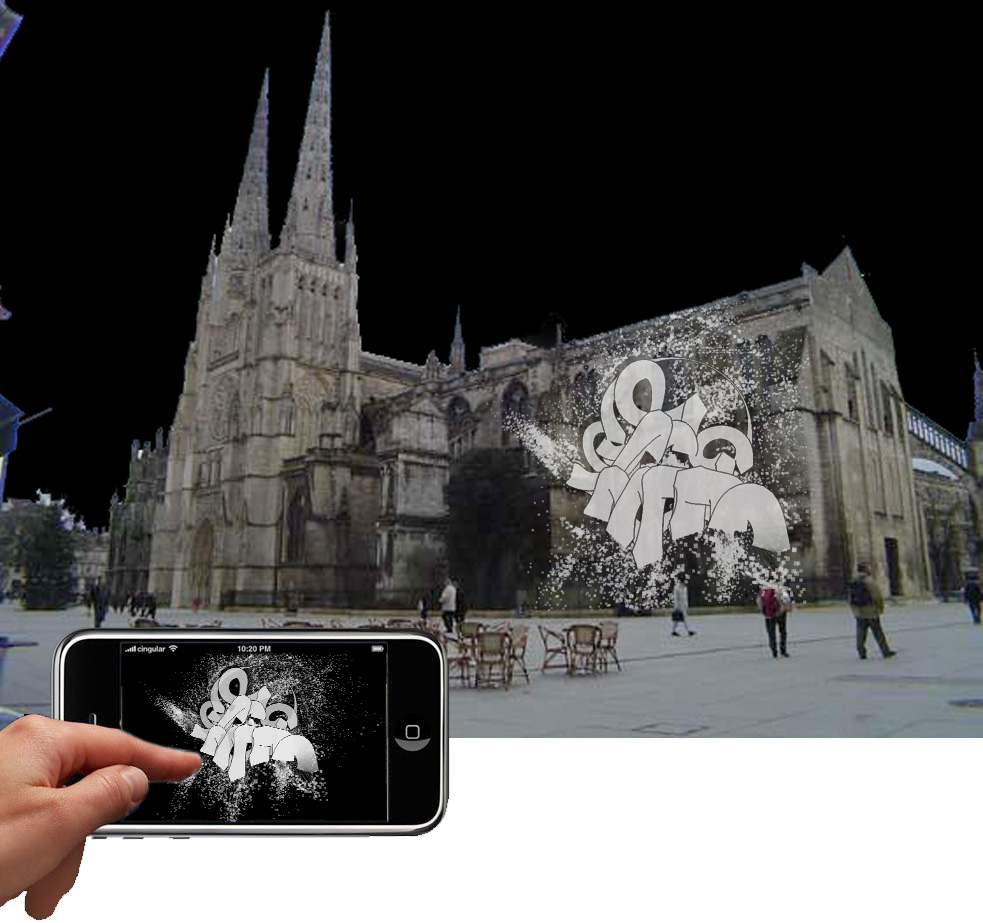
In an updated version of this application users could use a handheld touchscreen device (ie an iPod or iPhone) to draw in public space. All tags are saved to an online database so that people can download their tags later (if they so desire). Particiants can use the iPhone I will have on location, or, they can install the software on their own iPhone and use that. This option could be used in conjunction with ideas #001-#003.
#005 - Graffiti Analysis w/ Laser Input
Melding Laser Tag and Graffiti Analysis into one appliction. The laser would be used to draw tags in 3D in real time (Graffiti Analysis style). After drawing the the laser could also be used to rotate the the tag in 3D. This application could also take advantage of Graffiti Anlaysis's GML (Graffiti Markup Language) implementation and upload all tag data to an online database for users to download. Graffiti Analysis w/ Laser Tag input could be used in conjunction w/ ideas #001 - #003 listed above.

#006 - Moving Canvas
A blank canvas is mounted to the wall. Behind the canvas two computer controlled motors move the canvas in the X and Y direction based on GML data. When a user holds a pen still on the canvas it recreates the graffiti tag / signature. The movement of the canvas not linear, but based on the actual hand speed of the artist from which the data was captured.


